Randomized Eve II
Another way through Parasite Eve II.
Change what you find, what you fight, and how you survive.
Download
Choose your computer. Every build includes the same randomizer and optional modifiers.
Bring both discs. You need your own original USA / NTSC-U BIN/CUE images of Disc 1 and Disc 2. Game images, BIOS files and an emulator are not included.
Build your next run
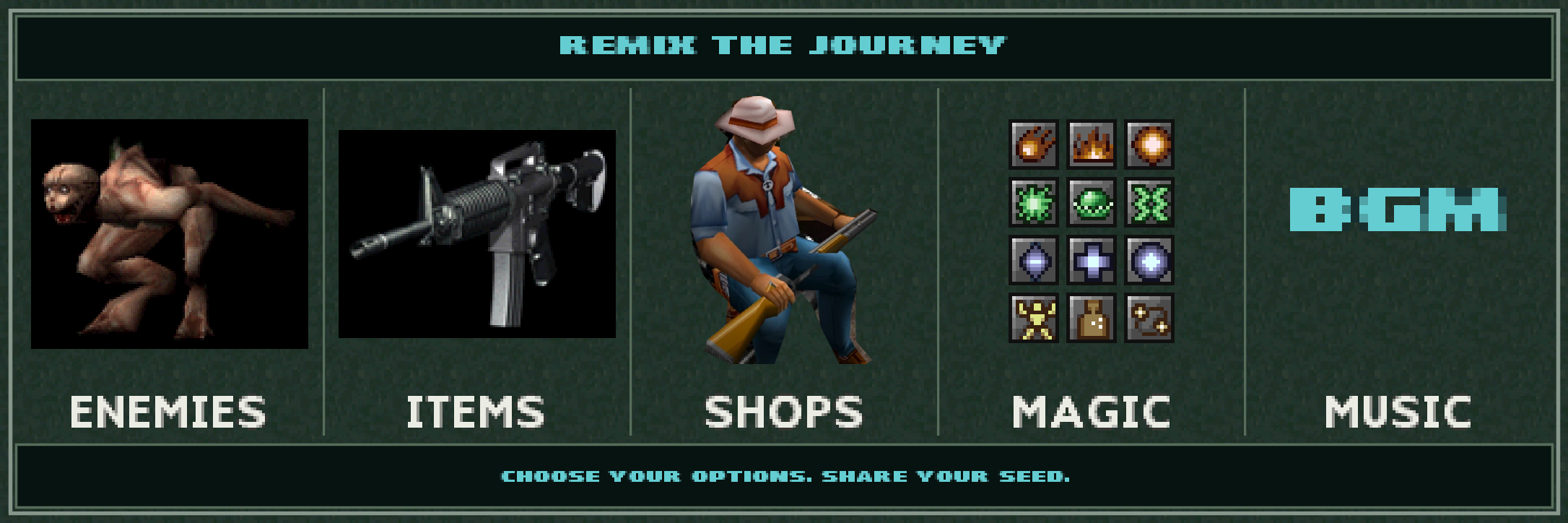
- Encounters
- Randomize enemies and face different combinations throughout the game.
- Supplies
- Shuffle items and shops, choose what can appear, and configure your starting equipment.
- Magic & music
- Change your abilities and the soundtrack accompanying your journey.
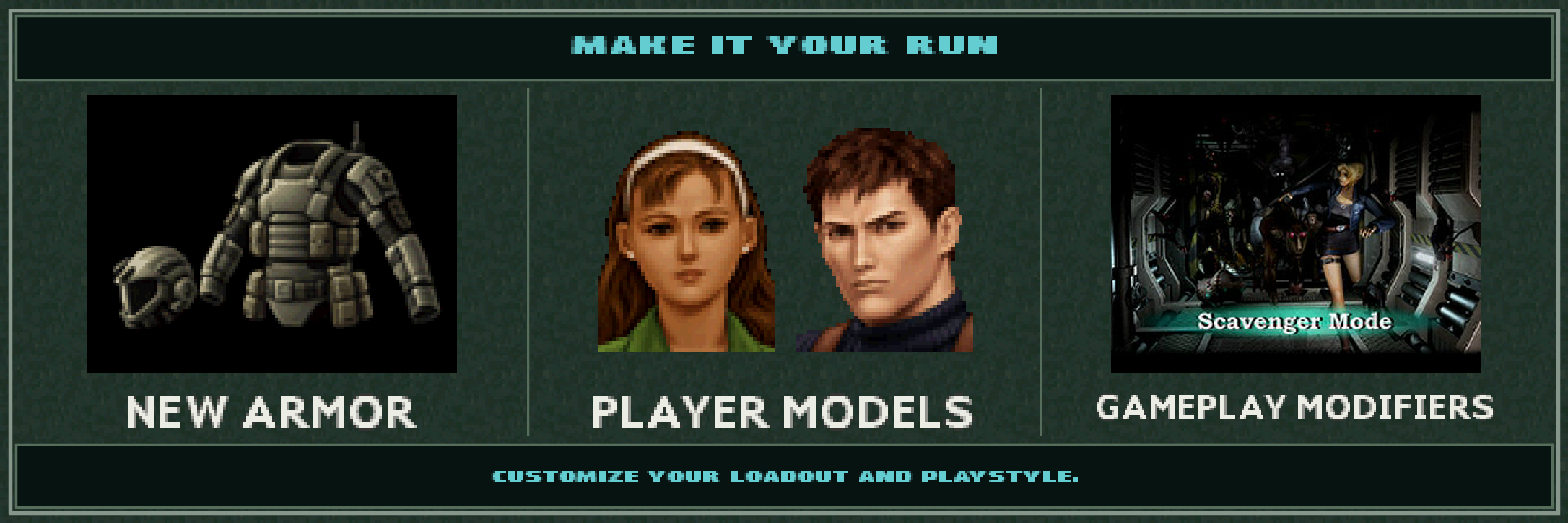
- Characters & armor
- Try alternative player models and new armor with their own inventory artwork.
- Your rules
- Choose your starting equipment, customize HUD colors, and enable optional gameplay modifiers.
Save your seed and settings to revisit a run or share it with the community.
Before you play
How do I get started?
- Download the build for your computer and extract or install it.
- Open the randomizer and select both original USA discs.
- Choose your settings, generate the randomized images, and open the generated CUE file in your emulator.
Keep the original disc images unchanged for future runs. The included README explains the options.
Installing on Windows, macOS or Linux
Windows: extract the entire ZIP into a folder, then open the EXE. Keep the supplied DLLs and resources beside it.
macOS: extract the ZIP and move the app to Applications. These builds are not notarized. If macOS blocks an app you trust after you try to launch it, use System Settings → Privacy & Security → Open Anyway.
Linux AppImage: for current x86-64 distributions, including Arch/CachyOS, with glibc 2.39 or newer. Make the file executable, then run it:
chmod +x Randomized-Eve-II-v1.3.1-x86_64.AppImage
./Randomized-Eve-II-v1.3.1-x86_64.AppImage
If FUSE is unavailable, add --appimage-extract-and-run. Runtime libraries are bundled. No Flatpak or Flathub release is currently available.
Linux DEB: the DEB targets Ubuntu 24.04 or newer on x86-64. From the folder containing the download, install it with:
sudo apt install ./Randomized-Eve-II-v1.3.1-linux-x64.debAPT installs the required system libraries. For other distributions, see the source build instructions.
Will the same seed give everyone the same run?
Share both the seed and the settings state. Results can differ between operating systems and compiler standard libraries. For a like-for-like comparison, use the same release and platform build.
Found a problem?
Join Discord or open an issue. Include the version, platform, seed, settings state, room and what happened. An emulator savestate can help reproduce gameplay problems; do not upload game images.
See known issues for gameplay checks still in progress.